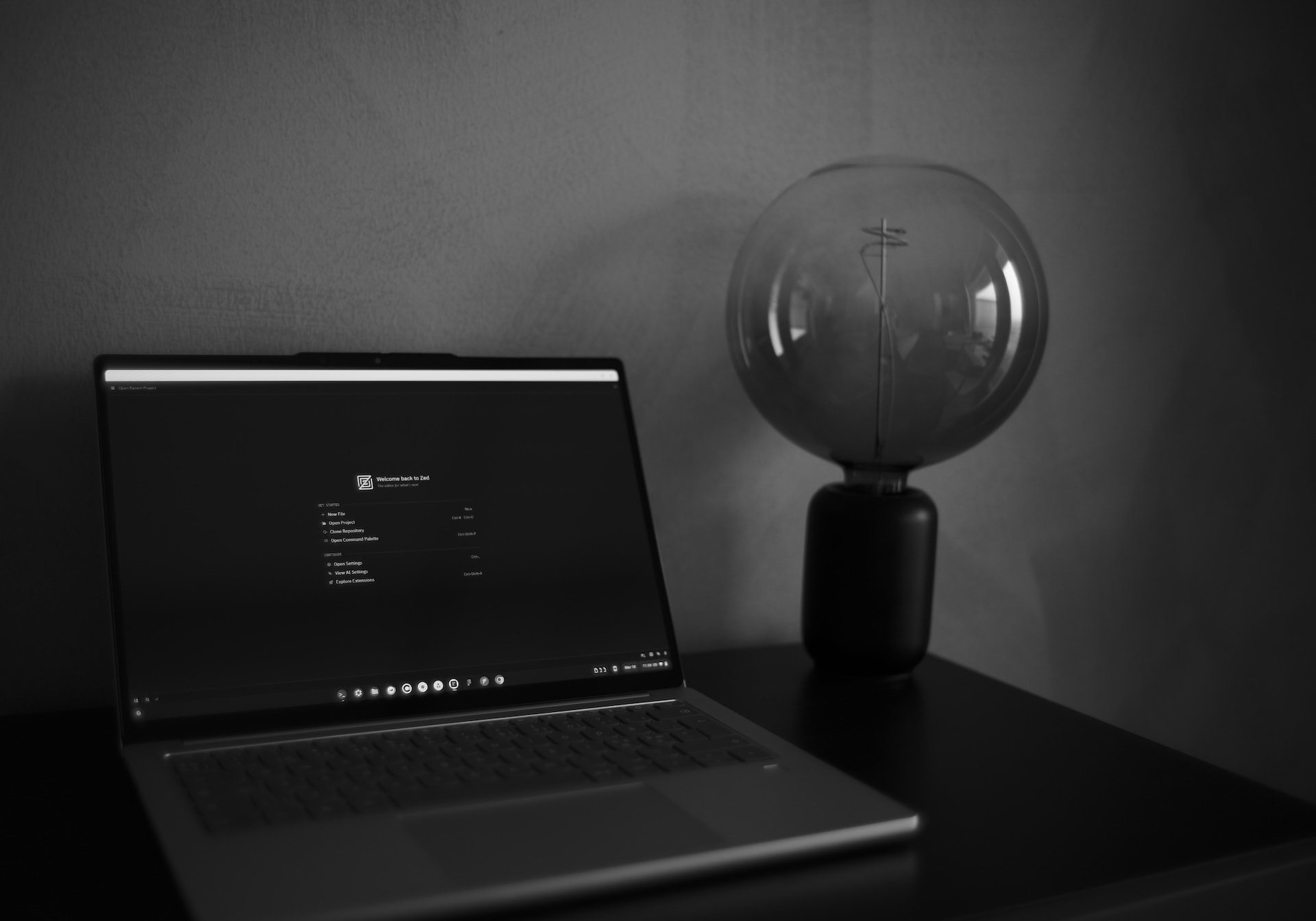
I switched from Mac to a Lenovo Chromebook, and you can too
techMy last blog post complaining about Apple's Liquid Glass somehow hit the front page on Hacker News, and even the actual news media in some countries. All this made me realize Liquid Glass and Apple's software incompetence is absolutely universally hated, yet their hardware is universally loved. So credit where it's due, they make great hardware.
After my last blog post I received tons and tons of emails from people mentioning that they switched to X or Y because of Liquid Glass, and much like them, I switched away from the Apple ecosystem thanks to these ongoing issues as well. I picked up a nice new Android phone and a Chromebook.
So this blog post is about my painful journey trying to find a nice piece of hardware that works and feels just as good as Apple's hardware as a web developer.
Let's start with the hardware, and how I stumbled upon this incredibly well designed laptop in the first place.
Hardware
Macbooks are incredibly well engineered pieces of hardware, and I really didn't want to settle for a laptop that feels worse or has a shit processor inside. Apple's m-series chips are ridiculously good with performance and battery life, so I didn't want to buy anything that feels less or worse.
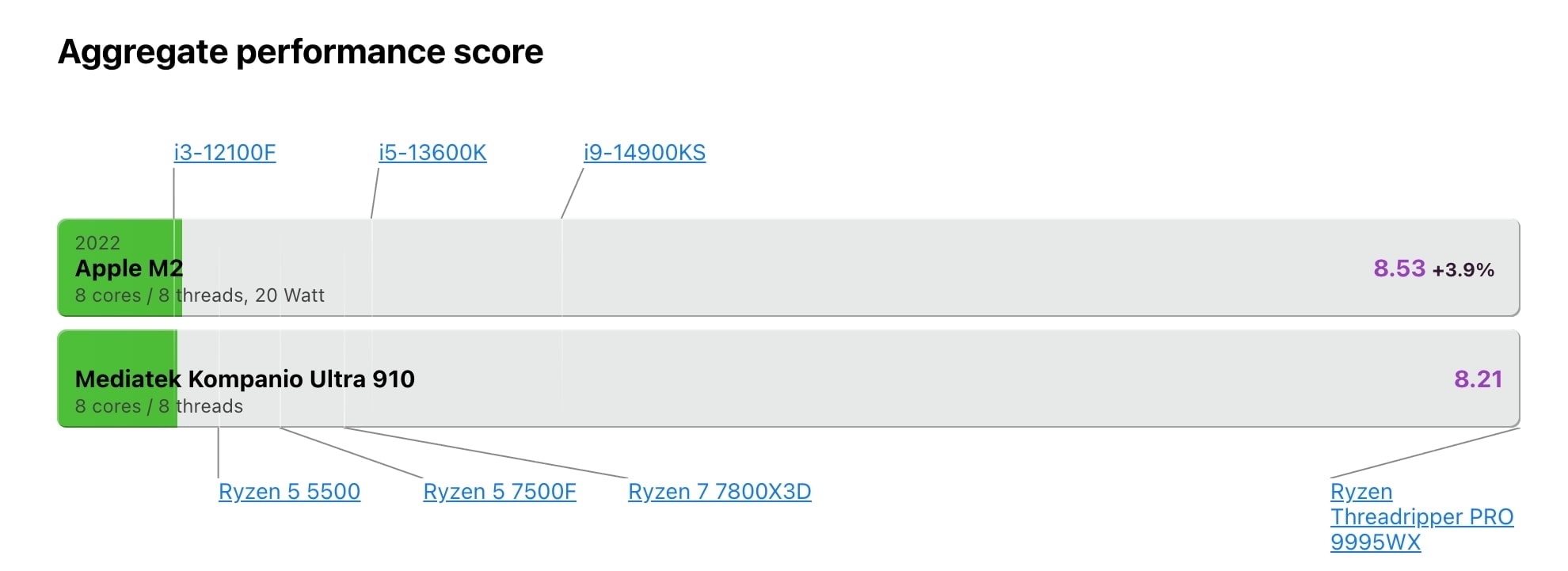
After searching online for days and reading up about processors and ranking what's out there, I stumbled upon a random comment that recommended checking out Mediatek Kompanio Ultra/Mali Immortalis G925 chips (which is also an ARM CPU/GPU), and mentioned that they're essentially the equivalent of Apple's M2.
Having bought into Apple's M-series marketing thinking : "no fucking way there's a Mediatek chip out there that's as good as M2?!? right!?" I quickly searched processor benchmarks.
Well, damn. Turns out, it is in fact almost as good as M2.
Alright, so I googled the first laptop that has this fancy Mediatek chip, first result was from Lenovo, and before clicking I braced myself thinking it's going to be a thick plastic ugly machine straight out of a 90s hacker movie, but wow was I wrong. It looks just as good as a macbook if not better in many ways.
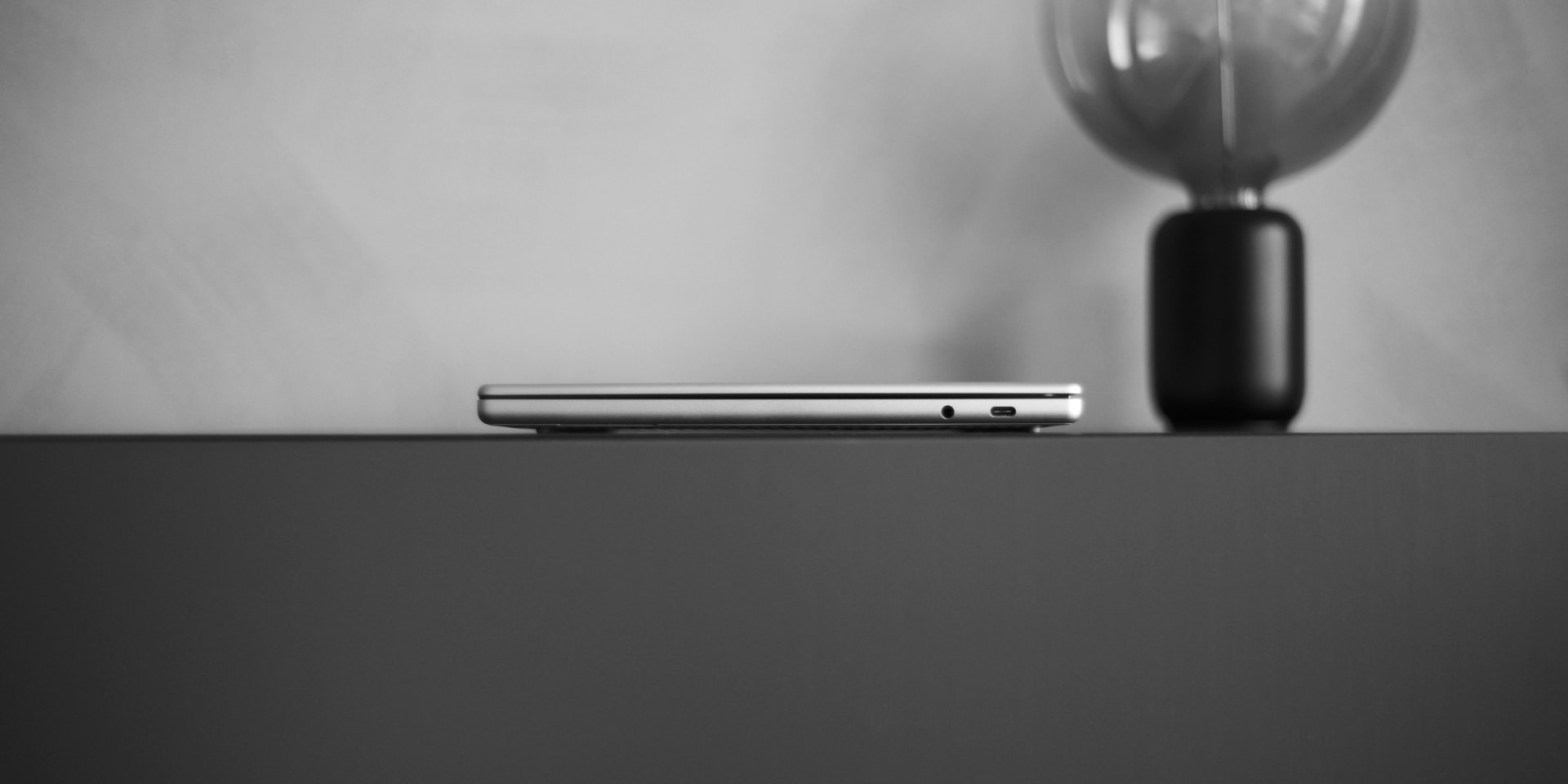
It is solid, metal, light, sits super nicely and flat, doesn't feel hollow, has a headphone jack, two usb-c and one old-school usb type-a port on it, and it's actually lighter than the macbook air.
Lenovo Chromebook Plus 14 is : 1.17 kg.
Lenovo Chromebook Plus 14 is 15.7mm thick, and Macbook Air is 11.3mm thick. We're talking about 4.4mm difference here folks. For context, the M-Series Macbook Pro is 15.5mm. So it's essentially only as thick as a Macbook Pro for comparative reference.
First thing my good friend Jesper asked is if the trackpad is as good as Apple's, and I have some good news. This particular Lenovo laptop's trackpad is just as good as Macbook's trackpads.
My favorite thing about this laptop is that it has a built in, physical webcam cover. No more ugly stickers!
Oh and the battery life is incredible. This thing lasts for about 10 - 12hours on a single charge. Mediatek / ARM processors are incredibly power-efficient.
SOFTWARE
Enough geeky words about hardware, let's talk about software. If you come from Apple's ecosystem, one kinda has this expectation / mental image that the software quality will suck if you switch. I found that this depends ENTIRELY on your personal preferences and workflow and what you do on your laptop. Below I'll try to write a little bit about my workflow and preferences, and why this laptop actually worked out perfectly for me.
First and foremost, I'm the founder of an all-remote web app company, so on this laptop I need to be able to code, do all sorts of business admin work, open up and use figma, then finally respond to metric tons of emails and customer support messages.
- Most of our admin work takes place in our own platform, which is a progressive web app that runs incredibly well on Chromebooks, so that's all sorted.
- Figma and Spotify have some of the best web apps out there as well, so that's all good too!
- If I ever want to play around with my 3d printer, I can design stuff in Onshape, which is also a great web app.
- You can easily set up things like DNS over HTTPS, Control D, AdGuard or NextDNS to block ads, or use VPNs etc so if those things matter to you, worry not, it's all there and easy to set up. (And you can even use their Android apps for further functionality as well)
- If you rely on / heavily use AI tools, you can easily use Claude's Web App etc so that's super cool but also things like Jan also exist for Linux and I haven't tried, but you can use that as well for a more native experience.
- Did you know that Adobe ported Photoshop etc to web, with all the AI bells and whistles and the web apps perform incredibly well?
As a side note, it is no surprise that Adobe's suite of creative apps -which made people pick and use Macs during the Steve Jobs era-, now work incredibly well on the web across all operating systems; so naturally, fearing for their platform's existence, Apple launched their own creative software suite to challenge Adobe. Shocker.
One of the great pleasures of using Chrome OS is that the operating system is essentially built around Progressive Web Apps, but you can also use Android apps from the play store, as well as linux apps! So if you can't find a web app for something for whatever reason, chances are there's probably a linux or android app somewhere that will do the job for you.
It also has some fun sync features between ChromeOS and Android, and the experience is frankly 10x better than Mac & iOS. Quickshare (the Airdrop alternative) ACTUALLY WORKS. You can even stream apps from your phone to your laptop and use your phone's apps on your desktop or take a look at your phone's screen on your desktop etc.
Which brings me to the last and most important part of my productivity puzzle. Coding.
I am a huge fan of Zed. It's ridiculously fast, makes VSCode look ancient, and does everything I need it to do + doesn't chew through your memory with Electron like VSCode does.
By some sheer luck, just a few weeks ago, on Feb 25, 2026, with the version 0.225.9, Zed for Linux started using wgpu as the graphics backend.
And thanks to that update, it is now possible to use Zed on Chromebooks (even ARM ones) efficiently with 2-3 lines of shell commands and tiny modifications that takes less than 5 minutes. I wrote a dedicated blog post about this to save you time!
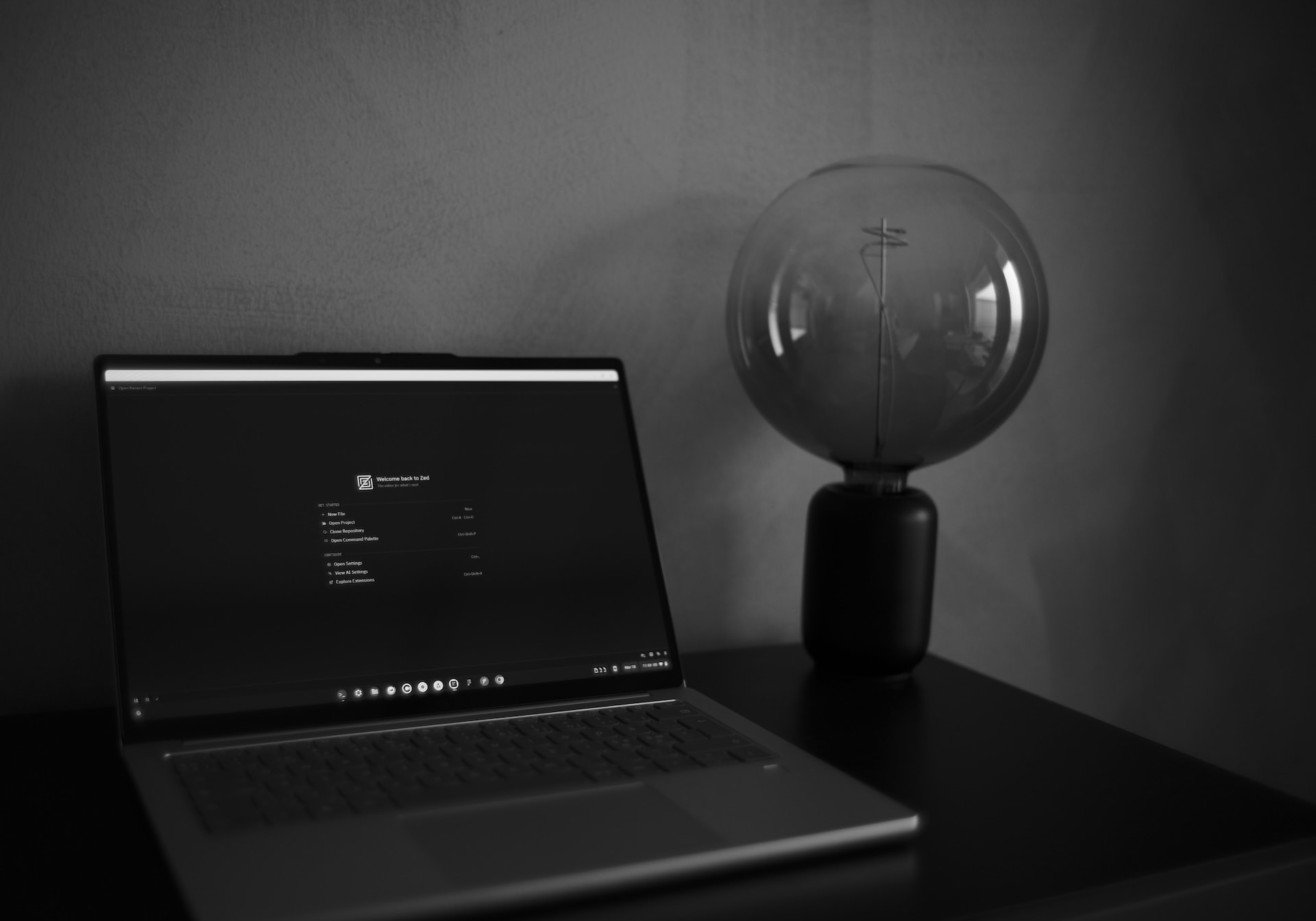
Since you have a proper linux under the hood, you can easily install and use things like nodejs / npm etc as well. Overall this seems to be working great as a practical dev setup for me and I couldn't be happier.
For my company we don't use React / NextJS etc so they're not a part of my day-to-day workflow so I can't comment on those, or how well they would run, but with linux under the hood I'm sure these should be good too.
Now. Let's talk about the only problematic thing I've discovered about this laptop so far, which is that right now, in March 2026, Signal for Linux doesn't work on ARM devices like this one from what I can tell. BUT there's some good news on the horizon, it seems that Signal's team is actively working on linking additional Android devices, and very soon we can simply solve this by using Signal for Android.
Before you reach out with suggestions like "You should try Molly or Matrix etc" this is not as big of a deal breaker for me as it may seem right now, so I won't be testing out using other Signal clients or bridges.
Before this switch I was quite nervous and didn't know what to expect, but now I'm full of optimism and joy. So if you're as bothered as I was with Liquid Glass and Apple's new design direction full of bugs, I hope this silly blog post helps you feel a bit more comfortable and at ease with the idea of switching away from Mac as well. I promise the grass is greener, and so are my message bubbles in your imessages.